We migrate together

Full guidance for your transition

From intake to aftercare: we handle data migration, training and support. No big bang. You go live with our team by your side.

migrations succeeded

succeeded

93%

avg. transition time

1 month
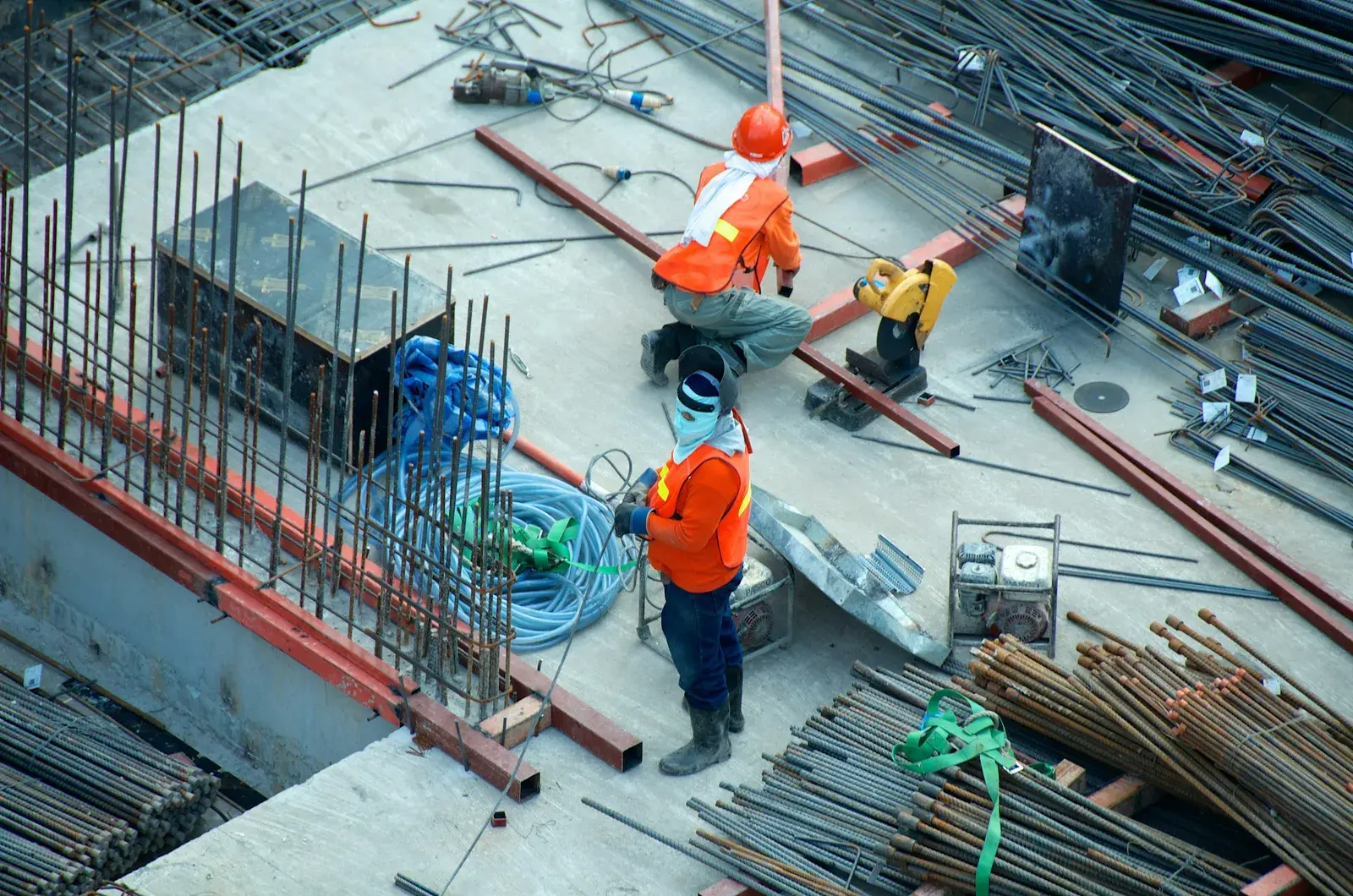
Equipment and operations yard

The migration journey · 6 steps

1
Intake

We discuss your needs, current system and planning.

2
Datamapping

We determine which data will be migrated and how.

3
Setup

Your data is safely and controlled transferred.

4
Shadow run and training

Together we make sure your team is fully prepared to use the system.

5
Launch

You go live with our team by your side.

6
Aftercare

Support and fine-tuning after the transition.

What we do for you

Data migration

We migrate from common rental and accounting packages. Customers, contracts, inventory and history are transferred in a structured way.

Training

Our experts train your team when it suits you. Live or online, so everyone can work independently quickly.

Support

Available during and after the migration. Clear agreements on response times and a fixed point of contact.

Frequently asked questions

That depends on the size of your data and your current system. We usually plan 2–6 weeks: intake, mapping, migration, test and go-live. We give you a concrete plan during the migration meeting.

No. We perform the technical migration. You provide access to your current system and we keep you informed. Where needed we help with export or connections.

RentVisie supports multi-location. We migrate all locations in one project and ensure you keep central overview.

Schedule a migration call

Tell us about your current situation and we'll create a tailored plan.

Personal guidance · no data loss · dedicated migration coach

Frequently asked questions

Customers, contracts, inventory and history are transferred in a structured way. In the data-mapping step we decide together with you which data is included and how it lands in RentVisie. That way you don't start with an empty system, and the information you work with every day stays available. Exactly what can be carried over depends on your current system; we go through that during the intake.

RentVisie migrates from common rental and accounting packages. If you use something else, that needn't be a blocker: during the intake we discuss your current system, your wishes and your planning, and look at which data can be extracted. Where needed we help with the export or with integrations. You then get a concrete plan tailored to your situation.

The process has six steps. Intake: we discuss your wishes, your current system and your planning. Data mapping: we decide which data is transferred. Set-up: your data is transferred securely and in a controlled way. Shadow running and training: your team practises with the new system. Go-live with our team at your side. Aftercare: support and fine-tuning after the switch.

No. There is no big bang: the migration is built from steps and your team runs in shadow mode first, so you get used to the new system before going live. On go-live day our team is at your side. That keeps check-out, check-in and invoicing running while you switch, and lets you focus on your business rather than the technical changeover.

Yes. Our experts train your team at a moment that suits you, live or online, so everyone can work independently quickly. The training is part of the migration process, together with the shadow running before go-live. Staff who stand at the counter or on location every day get to know the system before real bookings run through it.

You stay supported. After the switch comes the aftercare step: support and fine-tuning based on how your team uses the system in practice. During and after the migration you can reach our team, with clear agreements on response times and a fixed point of contact. If a question comes up in the first weeks, you know who to call.